Fill inside
The Fill Inside option is another way to color drawings through the use of TVPaint's Filled Shape tools.
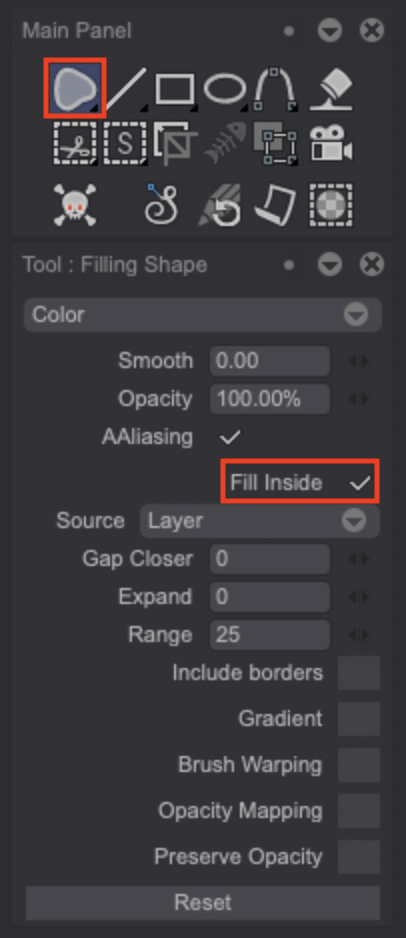
This feature allows you to quickly fill an area. It is very useful when you want to fill a complex drawing with lots of fine pencil hatchings. Its options are the same than the Paint Bucket's.
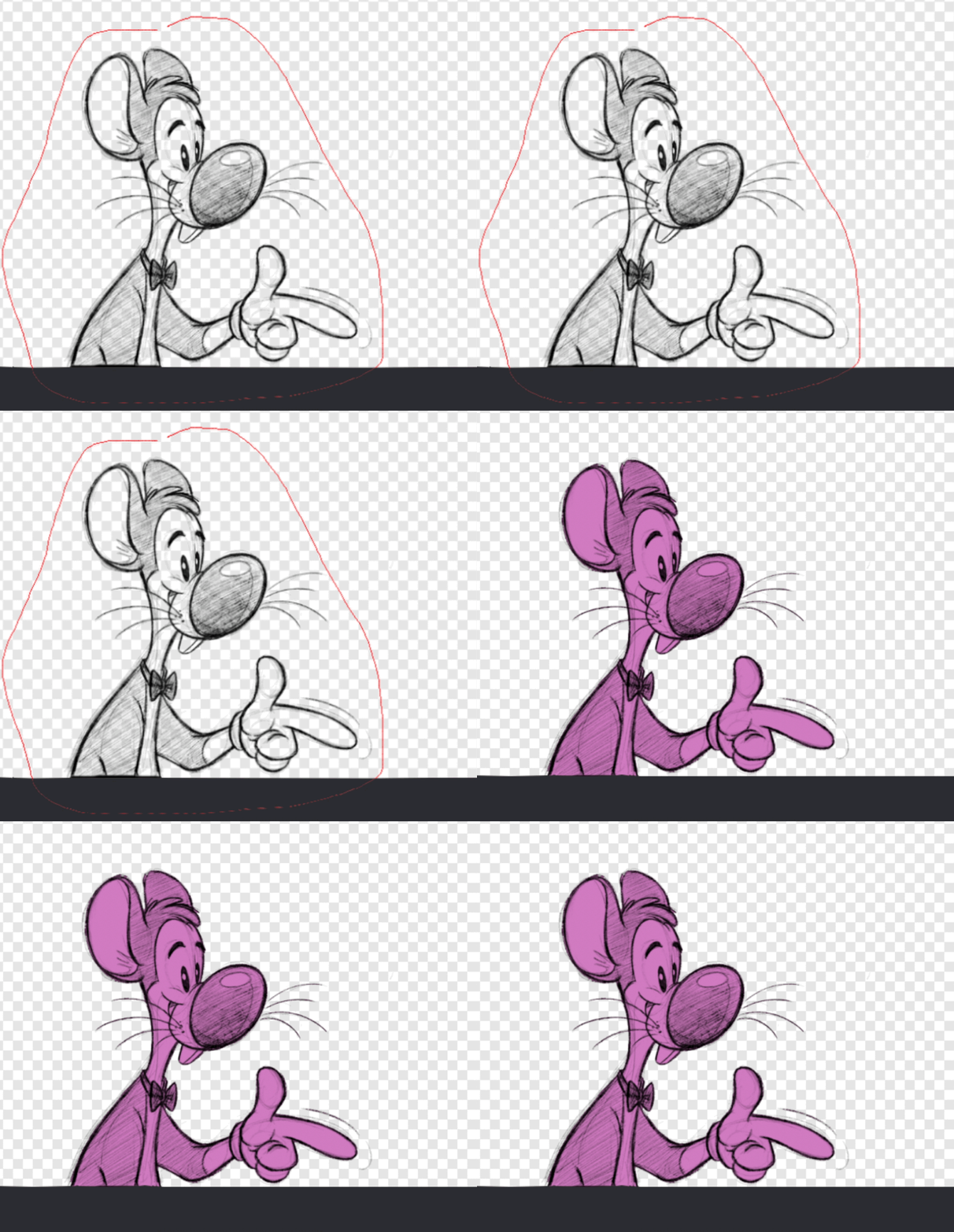
To do so, select the Filled Stroke tool and turn the Fill Inside option. Then, draw a circle around the area you want to fill. The red H.U.D denote the area which is about to be filled:
ヒント
You can use this feature on another Layer to keep you line and color work separate.