Camera Movement Type Keys
In addition to Position, Rotation, Zoom and Camera size keys, you can add Movement Type keys on the Camera Layer. Those keys are useful should you want to qualify the type of movement between two keys. They are also exported along with regular Timesheet data when you export TVPaint’s Timesheet to XDTS format (which allows other software to retrieve this information as well).
To add a Movement Type key, right-click on the Camera Layer and select the Create Keyframe > Movement Type option from the menu. The Movement Type selection Panel should then open:
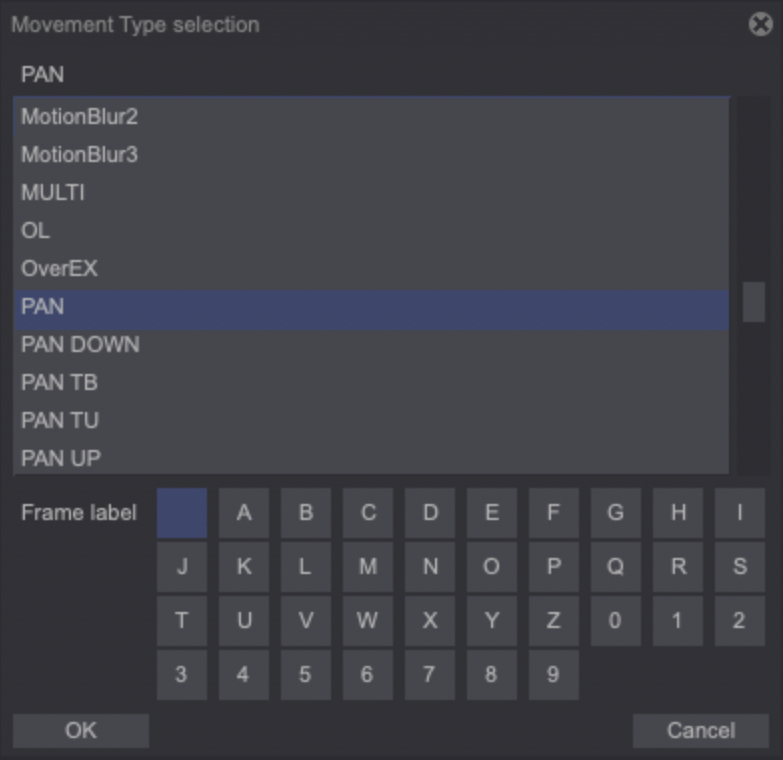
Select the Movement Type you want to add from the list. You can also append letters to the chosen movement, in order to differentiate them on the Timeline:

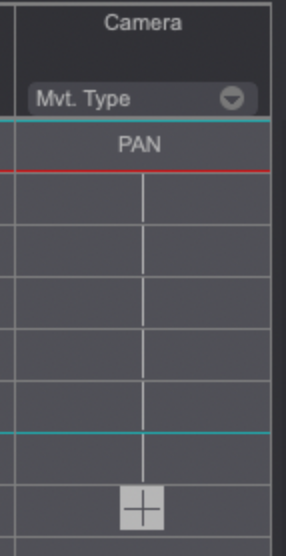
As mentioned previously, TVPaint Timesheet is also able to display Movement Type keys in its Camera column:
Deleting a Movement Type key can be done through right-clicking on the key and selecting the Delete Keyframe > Movement Type menu option.