Clean up
Once you have scanned your drawings and imported them into TVPaint, it is possible to:
- Delete white or gray pixels to imitate the use of a true animation overlay (which is something you’ll have to do in case you want to color your drawing or use a background with it).

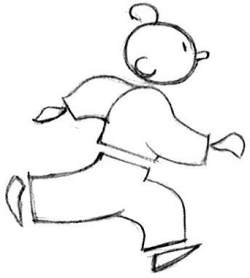
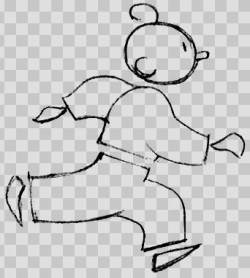
- Clean up your drawings in order to correct rough pencil lines:
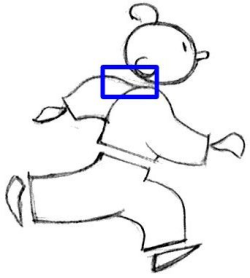
Here is a closer view of the lines to be cleaned:

And the result after cleaning them up:
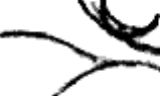
You can use the Scan Cleaner function to accomplish the two aforementioned operations in a few clicks. It is to be found in the Image menu:
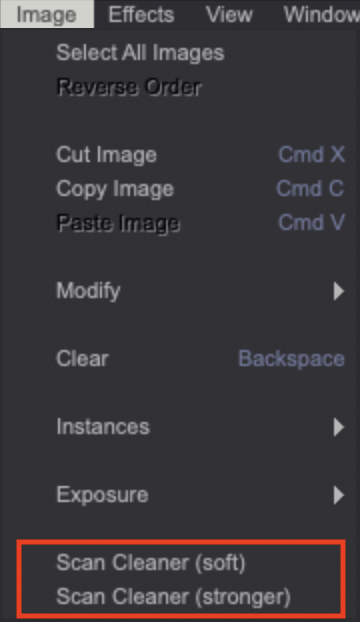
As you can see, this tool comes with two different settings:
- The Scan Cleaner (soft) function will preserve lighter pencil lines.
- The Scan Cleaner (stronger) function will preserve stronger pencil lines.
You can also use the FX > Color > Scan Cleaner Black and White effect in case the previously mentioned functions don’t give you the results you expect.
Effects will be reviewed in a later part of this user manual.