Create Scenes and Clips
Click on the Project tab and double-click on an empty area next to the current Clip or Scene:
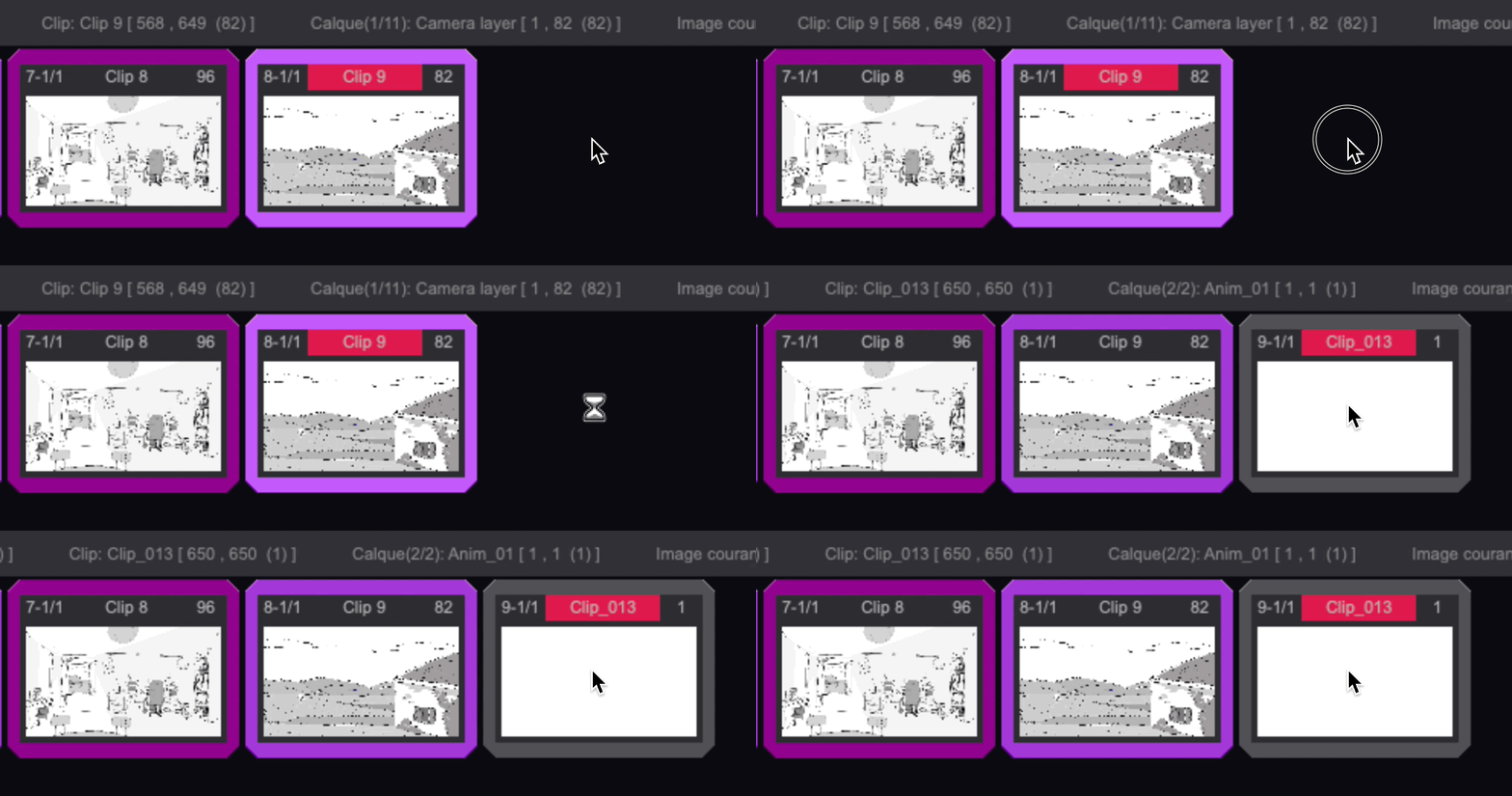
You have just created a new Scene which contains one Clip!
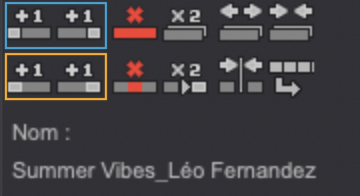
You can also use these icons to create a new single-Scene Clip (or Clip) before  or after
  the current Scene.
You can also add one or several Clips to a Scene, in order to divide the Scene into several Clips. To add a new Clip to the current Scene, you can use the and buttons:

Watch out! The and buttons come in two different versions: the ones located on the Storyboard Panel's first icon line are dedicated to adding new single-Scene Clips, while the ones below are dedicated to adding Clips to Scenes: