Managing the Panels
Now we will take a look at the options offered in the Custom Panels themselves. In the This Panel sub-menu shown below, which is accessible with a right-click on an empty area of your Custom Panel, you may:
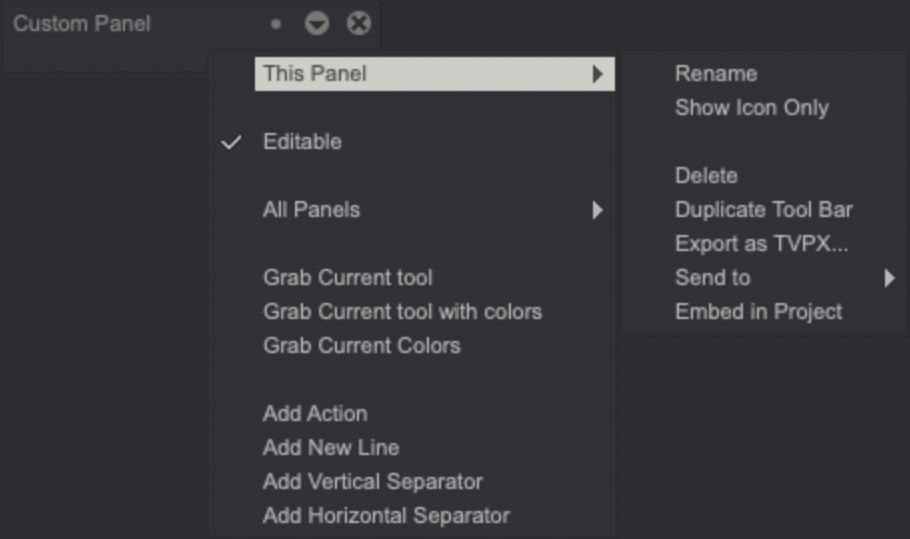
- Rename the current Custom Panel.
- Show (the Tool's) icon only (without text).
- Delete the current Panel.
- Duplicate the entire Panel.
- Export (the Panel) as a TVPX file.
- Send (the Panel) to somebody connected on the same network
- Embed (your Custom Panel) in (the current) Project, so it will open automatically with your Project.
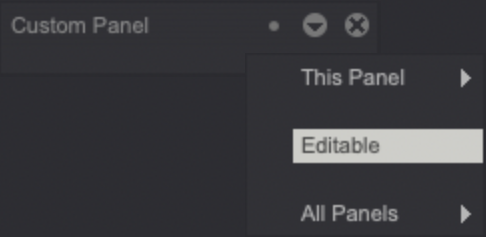
A Custom Panel can be also tagged as Editable or not: a non-editable Panel will have most of the aforementioned management options greyed out and unavailable:
In the second All Panels sub-menu pictured below you may:
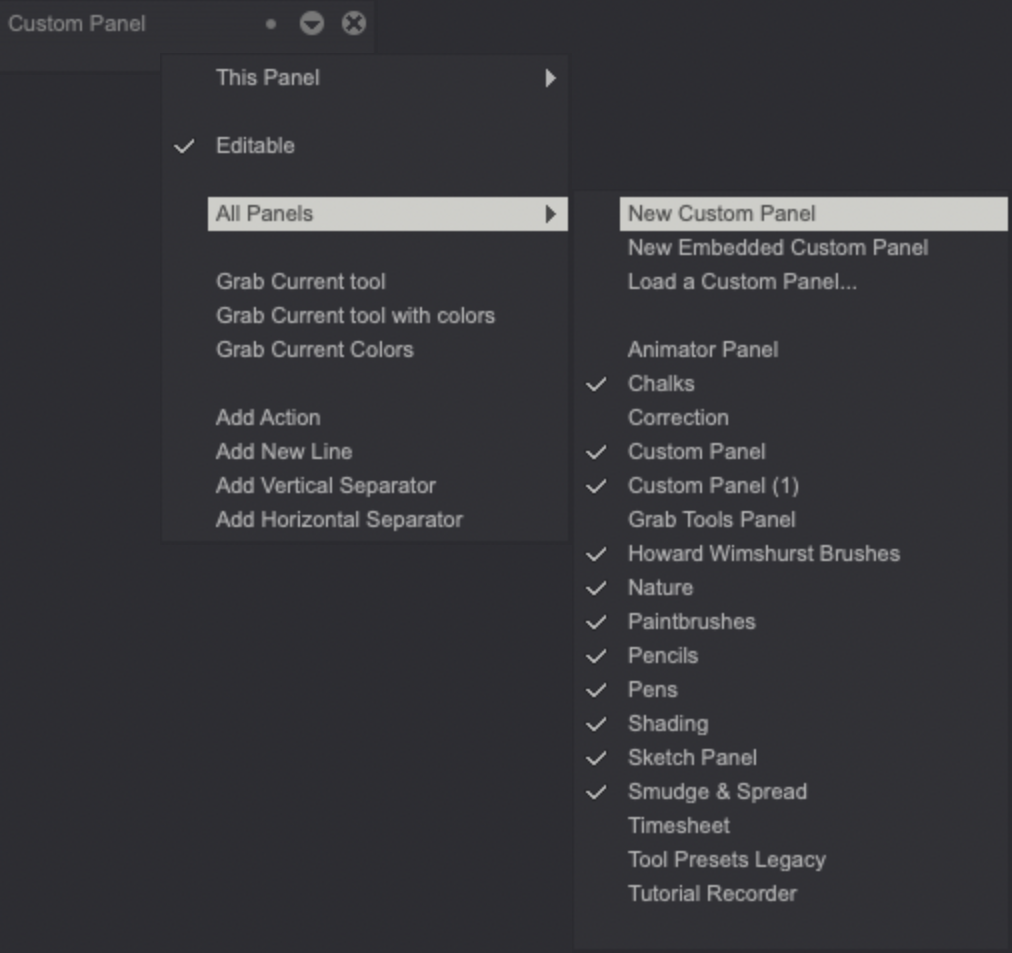
- Create a New Custom Panel, embedded in your Project or not.
- Load a Custom Panel from an external file.
- View the names of the currently opened Custom Panels.